What is HubSpot Content Hub?
HubSpot Content Hub (formerly CMS Hub) is a cloud-hosted content management system built within the HubSpot platform. Unlike standalone CMS platforms, it combines website hosting, content management, SEO tools, and smart content personalisation in the same system as your CRM — so your marketing and sales data live in one place, with no plugins or manual data sync required.
Is HubSpot CMS suitable for B2B companies?
HubSpot CMS is particularly well-suited to B2B companies that use or plan to use HubSpot CRM. It enables website personalisation based on CRM data, tracks visitor behaviour linked to individual contact records, and integrates natively with HubSpot's email, marketing automation, and sales tools. For B2B organisations where the website is part of a lead generation and nurturing workflow, this native integration removes significant technical overhead compared to connecting separate platforms.
What HubSpot Content Hub subscription do I need for a professional website?
It depends on what the website needs to do. Content Hub Starter is enough for a standard company website of up to 30 pages, plus a blog, with mostly static content: you get the drag-and-drop editor, a custom theme and no HubSpot branding. Content Hub Professional is the right choice when you need more pages, smart content personalisation, A/B testing, advanced SEO & AEO recommendations, or dynamic content powered by HubDB. Content Hub Enterprise adds multi-domain support, advanced governance and additional developer tools for multi-brand or multi-market organisations. A Platinum Partner can advise on the right tier based on your website scope and marketing requirements.
How much does a website on HubSpot CMS cost?
The cost of a HubSpot CMS website has two parts: the HubSpot Content Hub licence, paid directly to HubSpot, and the development work, paid to your HubSpot partner.
HubSpot Content Hub licence (list prices as of November 2026, in USD; check HubSpot's pricing page for current prices in your currency):
- Starter — from $7/month per seat. Up to 30 website pages and 30 landing pages, plus a blog that doesn't count towards the page limit. Drag-and-drop editor, custom domain, no HubSpot branding. For small company websites with mostly static content.
- Professional — from $450/month, including 3 core seats. Up to 10,000 website pages, smart content personalisation, A/B testing, advanced SEO recommendations, HubDB and dynamic pages. For marketing-driven websites that need personalisation and dynamic content.
- Enterprise — from $1,500/month, including 5 core seats. Adds multi-domain setups (your core domain plus up to 9 additional root domains), advanced governance and additional developer tools. For multi-brand and multi-market organisations.
Development. A standard website that doesn't rely on extensive dynamic content or custom server-side functionality works well on Content Hub Starter. Around 40 hours of development is enough to build a custom theme with about ten page templates and a library of reusable modules (so your marketers will be able to create new pages on their own without involving a web developer). The cost of those hours depends on the partner, and hourly rates change over time, so always ask for a current quote. At Grow Poland, the hourly rate starts from €39 (as of November 2026).
How long does it take to build a website on HubSpot CMS?
A typical HubSpot CMS website project takes between 4 and 12 weeks, depending on the number of pages, custom module requirements, and whether a migration from an existing platform is involved. If the project includes UX and UI design from scratch, allow up to 16 weeks in total. A focused microsite or landing page campaign can be delivered in 2–3 weeks.
Is HubSpot CMS better than WordPress?
It depends on what you need. WordPress itself is free, but a professional WordPress website still costs money: hosting, premium themes and plugins, security monitoring and regular updates. HubSpot CMS starts with a licence fee, but hosting, SSL, CDN, security and platform updates are included.
The bigger difference is day-to-day maintenance. A WordPress site relies on separate plugins for forms, SEO, caching, security and CRM integration, and every plugin needs regular updates and is a potential security vulnerability. Building new pages usually means either calling a developer or using a heavy page builder that slows the site down. On HubSpot CMS, marketers build pages from ready-made modules in the drag-and-drop editor, and the CRM, forms, email and marketing automation are part of the same platform.
WordPress can still be the better choice if you need full control over hosting and code, a large e-commerce store, or a very specific plugin with no HubSpot equivalent. For B2B companies whose website is part of their sales and marketing process, HubSpot CMS is usually easier to maintain, more secure and faster for the marketing team to work with.
Can I migrate my existing website to HubSpot CMS without losing SEO rankings?
Yes. A properly managed
migration to HubSpot CMS preserves SEO performance and often improves it. The process includes a full URL audit, 301 redirect mapping (if needed), metadata transfer, and Core Web Vitals validation before go-live. HubSpot CMS includes built-in SEO recommendations that surface technical issues during the migration process. We run pre- and post-launch ranking benchmarks to confirm existing visibility is maintained after switching platforms.
How does HubSpot CMS integrate with HubSpot CRM?
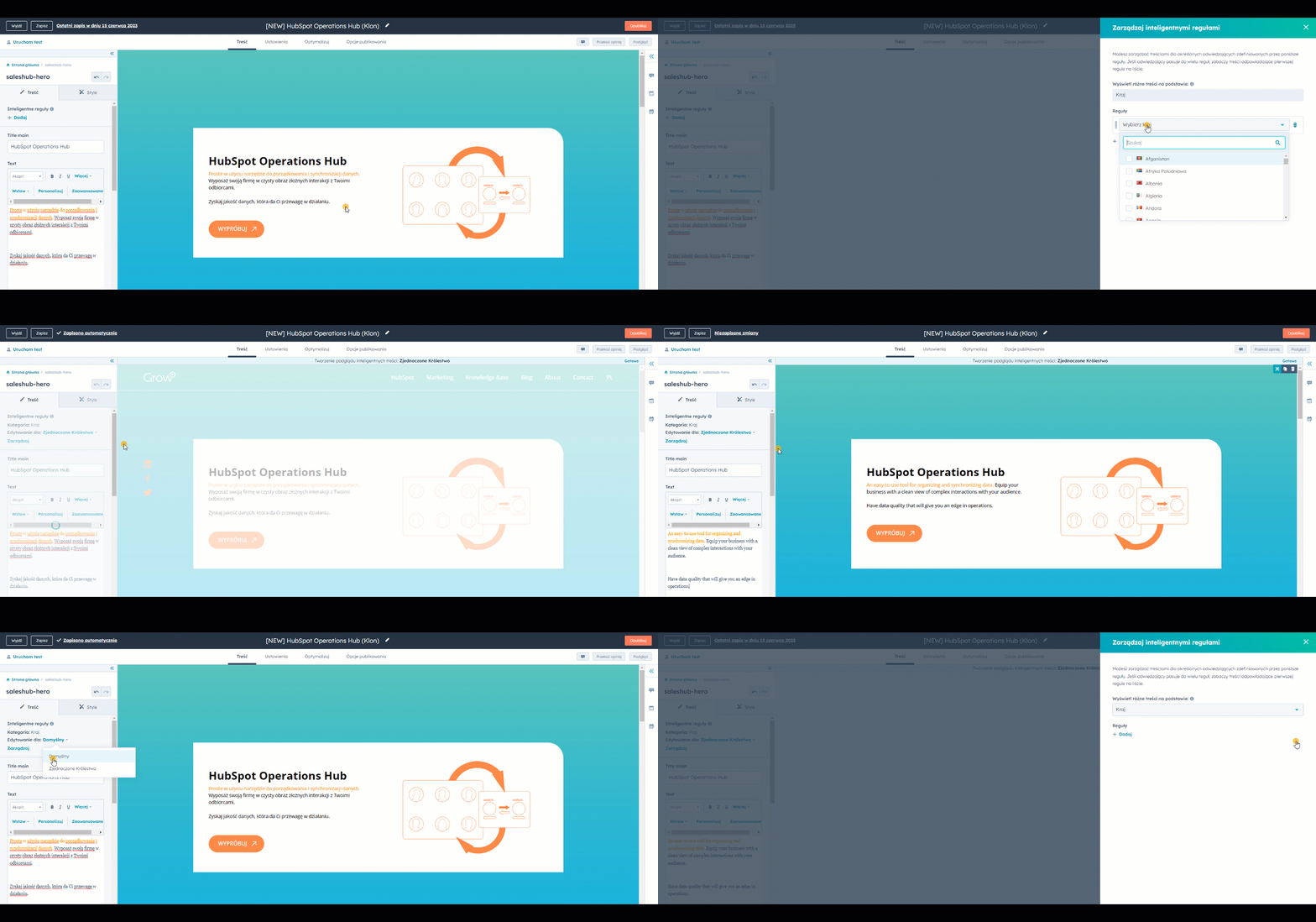
HubSpot CMS is natively integrated with HubSpot CRM — no plugin, API key, or sync configuration is required. Every form submission, page visit, and CTA click is automatically attributed to a CRM contact record. Your sales team can see exactly which pages a lead visited before enquiring, and your marketing team can personalise page content based on lifecycle stage, industry, or any custom CRM property — directly from the standard page editor (smart content personalisation is available on Content Hub Professional and Enterprise).
Can I use custom code and custom modules on HubSpot CMS?
Yes. HubSpot CMS supports fully custom development using HTML (with HubL, HubSpot's templating language), CSS and JavaScript. Custom themes, templates and modules are available on all paid Content Hub tiers, starting with Starter; HubSpot's free tools don't support them. HubDB, dynamic pages and serverless functions require Content Hub Professional or Enterprise. Custom modules can be built so that non-technical marketing users can edit content through the drag-and-drop editor without touching code — giving your team full flexibility without depending on a developer for every update.
Is HubSpot CMS good for SEO & AI Optimization?
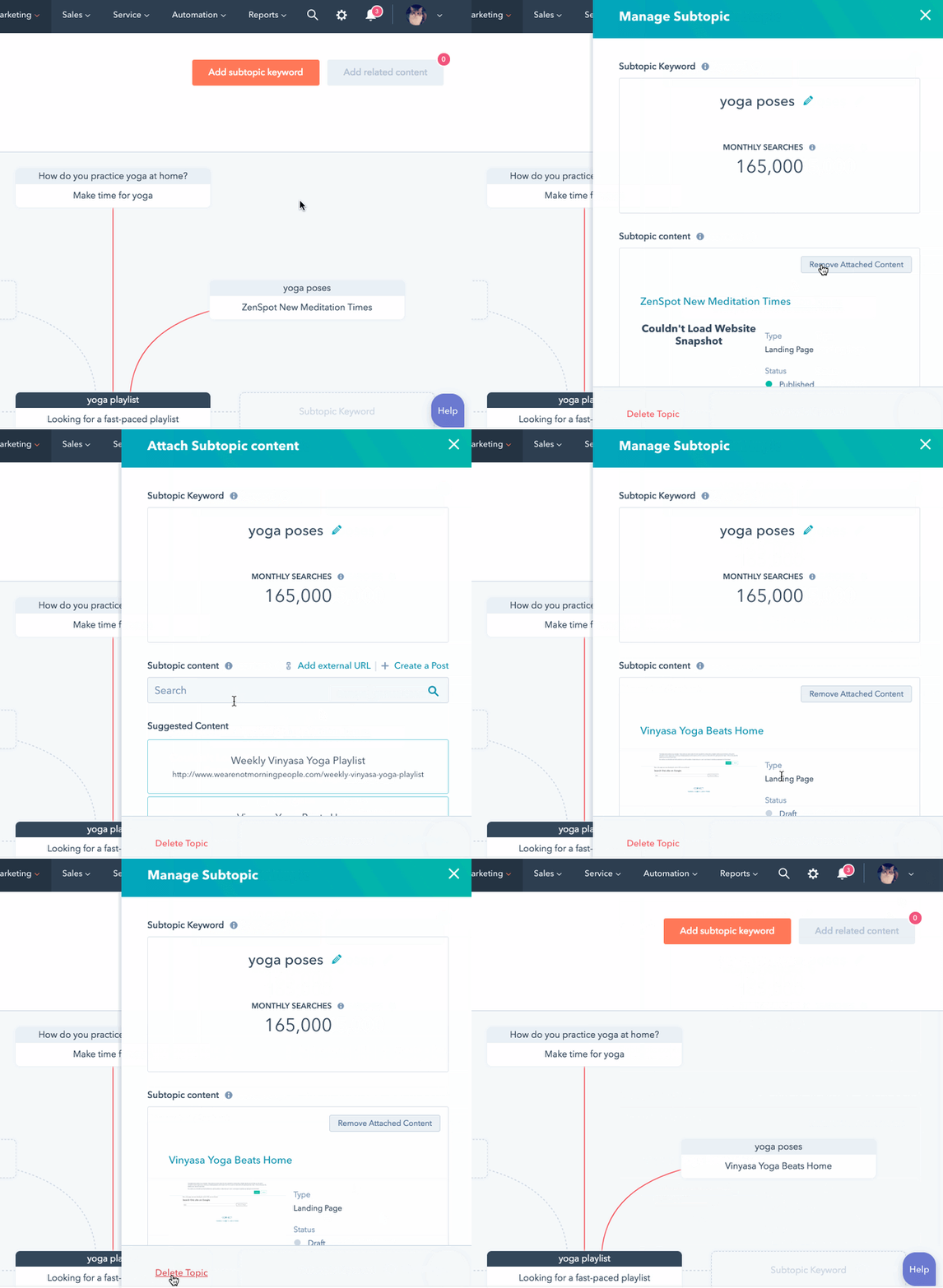
HubSpot CMS has strong built-in SEO capabilities: on-page recommendations in the content editor, automated SSL, global CDN hosting, canonical tag management, sitemap generation and structured data support. Custom meta tags, hreflang attributes for multilingual sites and schema markup can all be implemented. Advanced SEO recommendations, full site audits and the topic cluster tool for building topical authority are available on Content Hub Professional and Enterprise. HubSpot has also added AEO tools that help track and improve brand visibility in AI-powered search.
What is the difference between a HubSpot Marketplace template and a custom-built website?
A HubSpot Marketplace template is a pre-built design that can be purchased, installed, and configured within its defined constraints — a viable option for fast launches on a limited budget. A custom HubSpot website is designed and built from scratch, with bespoke layouts, interactions, and modules tailored to your brand and business requirements. Custom builds offer full design freedom and are easier to differentiate visually, but require more investment and a longer development timeline.
Do I need coding knowledge to manage a HubSpot CMS website after launch?
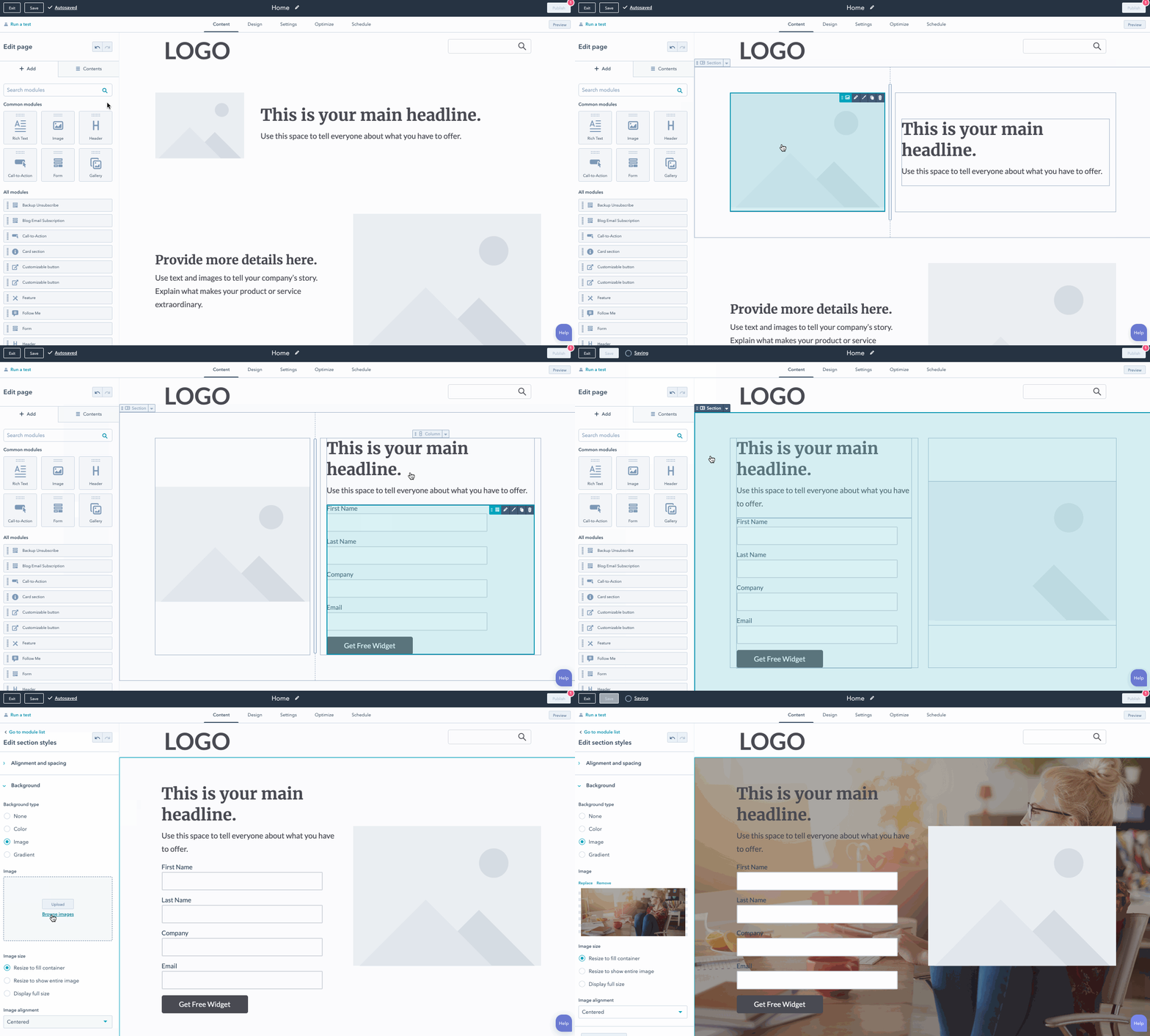
No. HubSpot CMS includes a drag-and-drop page editor that allows your marketing team to create and update pages, add content sections, edit copy, and swap images without any coding knowledge. Custom modules built by an agency or in-house developer are surfaced as editable fields in the visual editor — so non-technical users control content while the underlying structure and design remain consistent across the site.
Can HubSpot CMS support multilingual or multi-market websites?
Yes. HubSpot CMS supports multi-language content through native language variations, which link translated pages and handle hreflang attributes automatically. The number of languages depends on your tier, but even Content Hub Starter supports up to 50, so for most websites this is not a limitation. Multi-domain setups, with separate domains per market, are available on Content Hub Enterprise. For companies operating across multiple European markets, this makes HubSpot CMS a practical choice for managing localised content without maintaining a separate CMS instance per country.
Why work with a HubSpot Solutions Partner rather than building in-house?
A
HubSpot Solutions Partner brings verified expertise across the technical and strategic aspects of the platform. Beyond website development, a partner handles CRM integration, custom module development, SEO configuration, data migration, and post-launch support within a single engagement. Platinum and Diamond tier partners have completed a verified volume of HubSpot projects and met HubSpot's standards for technical delivery and customer success — significantly reducing delivery risk compared to an in-house team without dedicated HubSpot experience.
What AI features does HubSpot Content Hub include?
Content Hub includes Breeze, HubSpot's AI, which is built into the content tools rather than added as a separate product. The main AI features for websites are:
- Breeze Assistant — a conversational AI assistant that answers questions and completes tasks using your HubSpot data.
- Content Agent — drafts blog posts, landing pages, case studies and podcasts in your brand voice.
- Content remix — turns one piece of content into multiple formats, such as social posts, emails or blog articles.
- AI translation — translates pages and blog posts for multilingual websites.
- AI image generation and AI writing tools — built into the page, blog and email editors.
- AEO tools — help you track and improve your brand's visibility in AI-powered search.
Availability depends on your Content Hub tier, and some AI features use HubSpot Credits. On a custom HubSpot website, these tools work with your own theme and modules, so AI-generated pages follow your design system.
What happens to my website if I cancel my HubSpot subscription?
Your website doesn't disappear the moment you downgrade. If you move from a paid Content Hub tier to a lower tier or to HubSpot's free tools, your existing pages stay live, but you can't publish new pages until you're within the lower tier's page limit. Higher-tier features stop working: A/B and adaptive tests end, and dynamic pages, HubDB-powered pages and private or password-protected pages are unpublished after 90 days. On the free tools, HubSpot also stops adding security headers to your pages.
If you leave HubSpot completely, the website has to move with you. You can export your content and your CRM data, but the theme is built in HubL, HubSpot's templating language, so the design and templates have to be rebuilt on the new platform. This is the honest trade-off of a hosted CMS: you don't maintain servers, updates or plugins, but your website is tied to the platform. Before any downgrade, export your content and plan a migration in advance if you're moving to another CMS.